Transform Static Photos into Dynamic Animations
Turn any still image into captivating animated videos with AI-powered photo animation. No editing skills required—create scroll-stopping content in seconds.
Press ⌘+Enter to animate
Start Creating with These Templates
Animation Gallery
Explore what's possible with AI photo animation across different categories
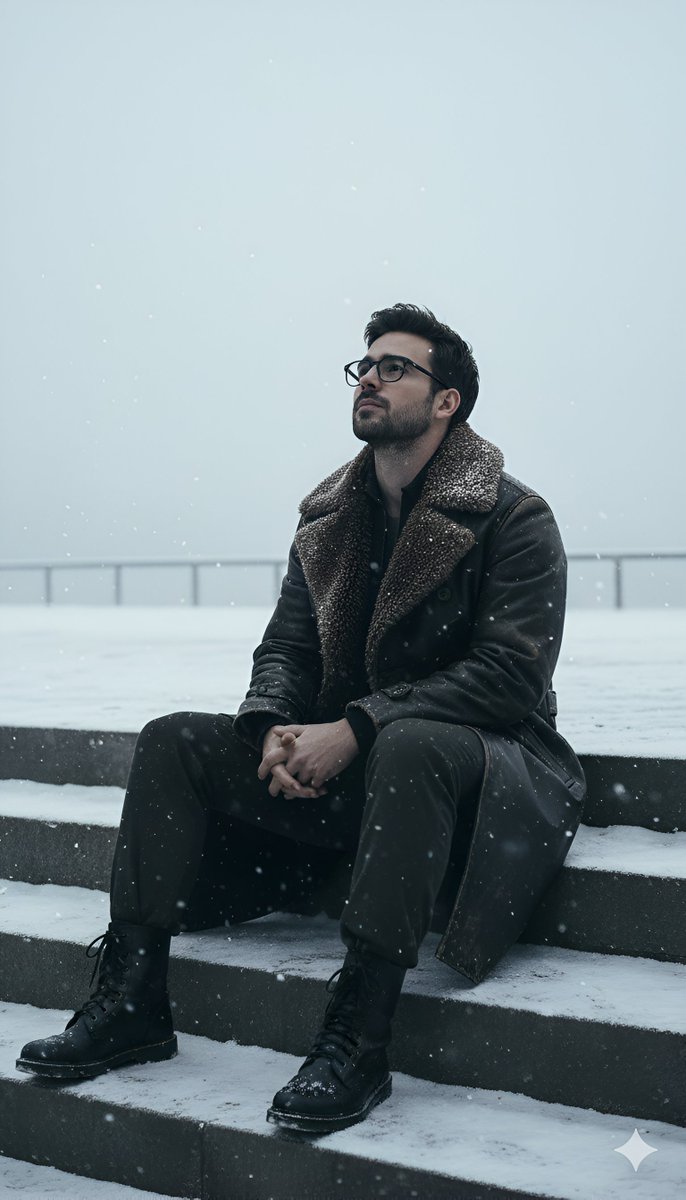
Nano Banana's Winter Scene: A Captivating AI Image to Video Creation
by Heisenberg (@rovvmut_)
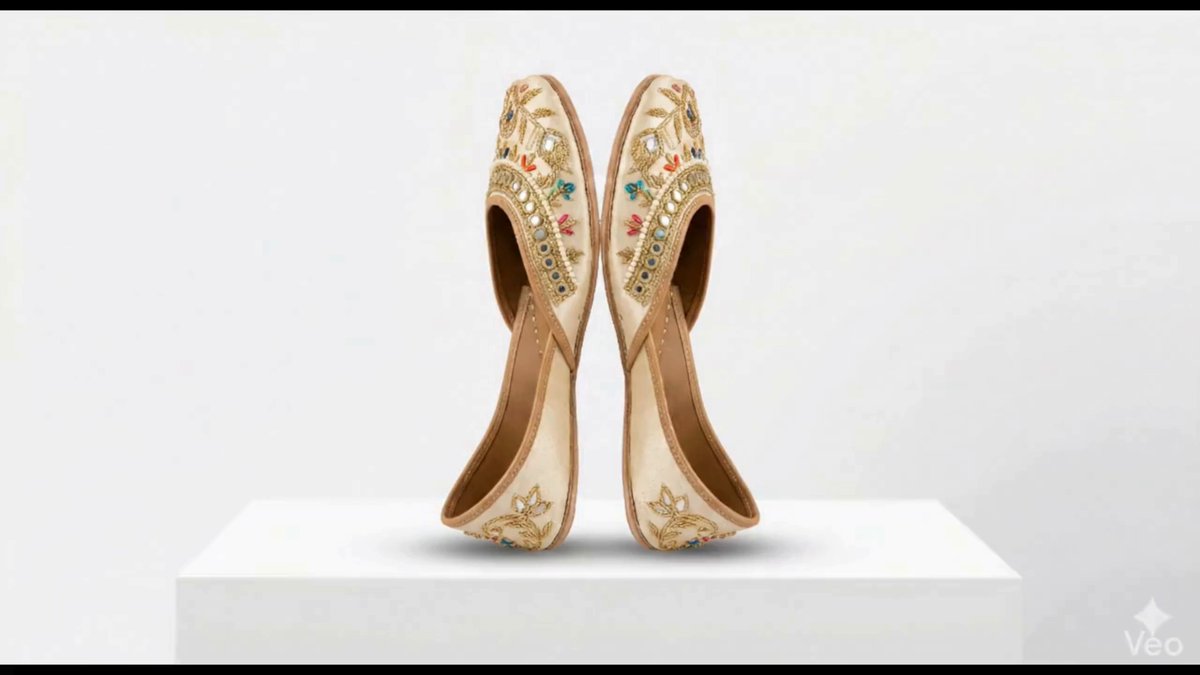
Google Veo 3.1: AI Image to Video of Traditional Jutti Product
by Sarthak Tyagi (@iamsarthaktyagi)
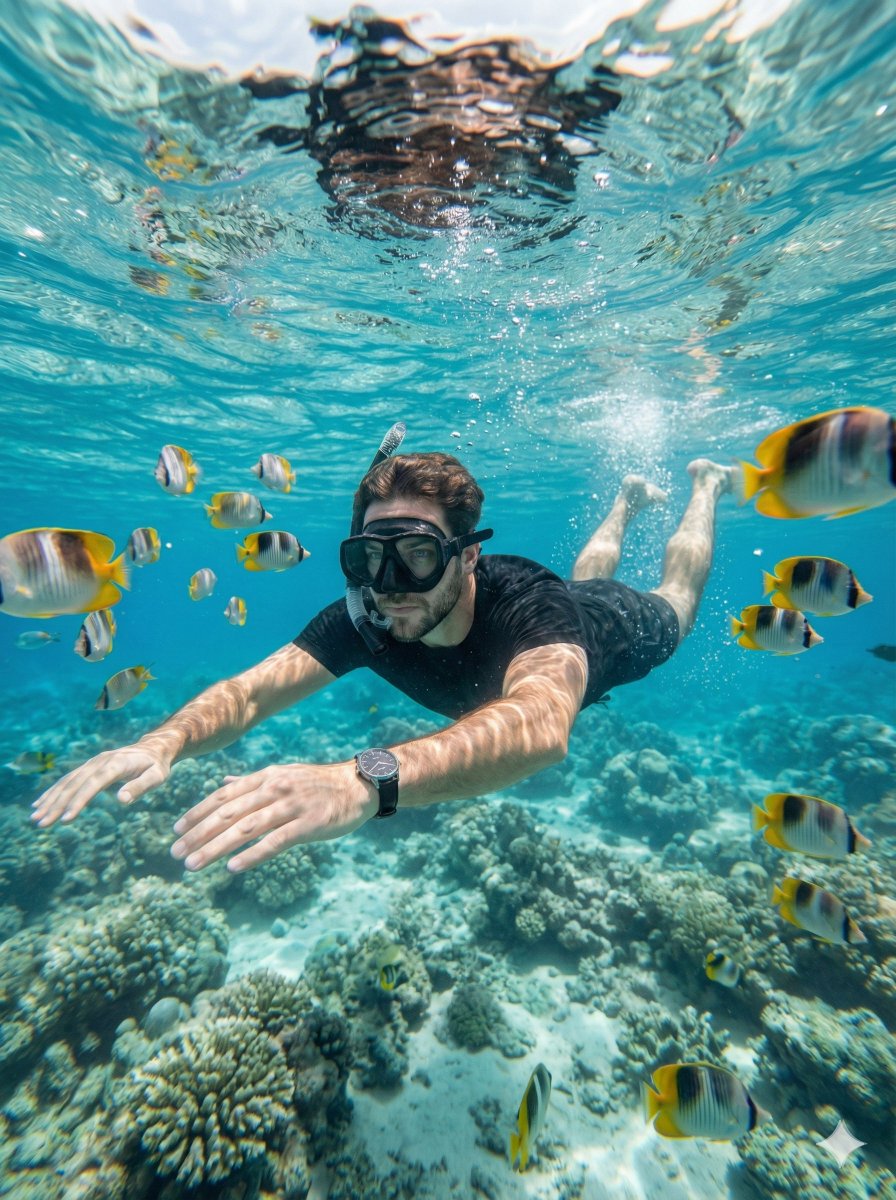
Underwater Serenity: AI Image to Video of Snorkeler with Tropical Fish
by 𝐌 (@Strength04_X)
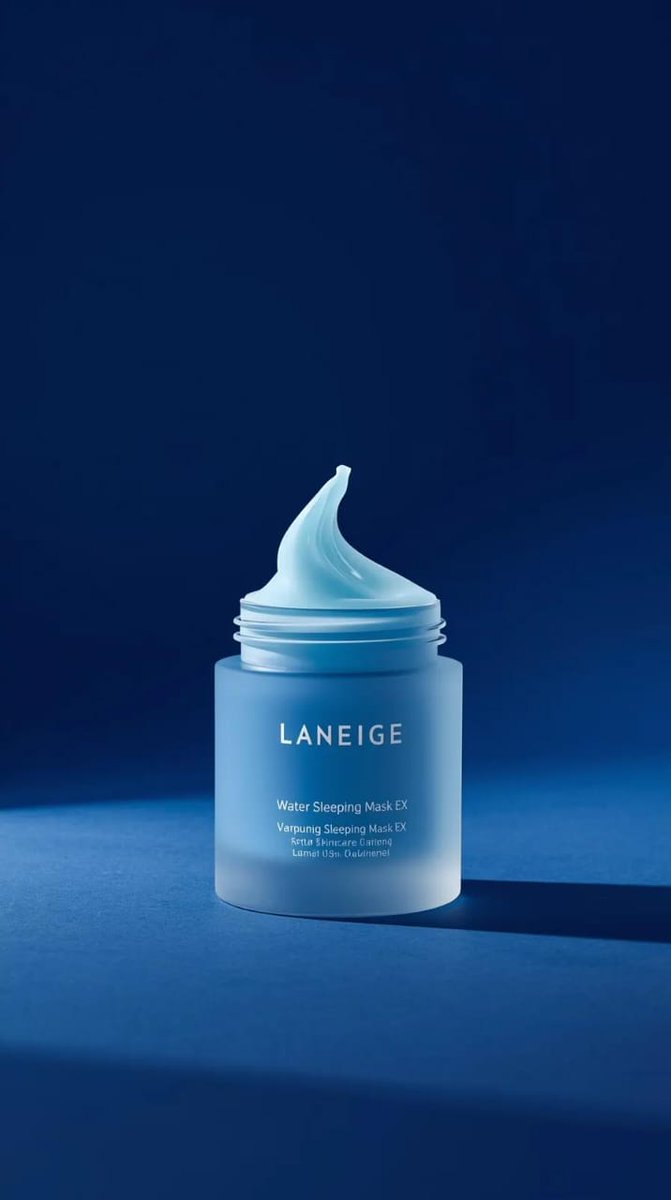
Luxury Skincare Product Showcase: AI Image to Video with Amber Bottle
by K (@ChillaiKalan__)
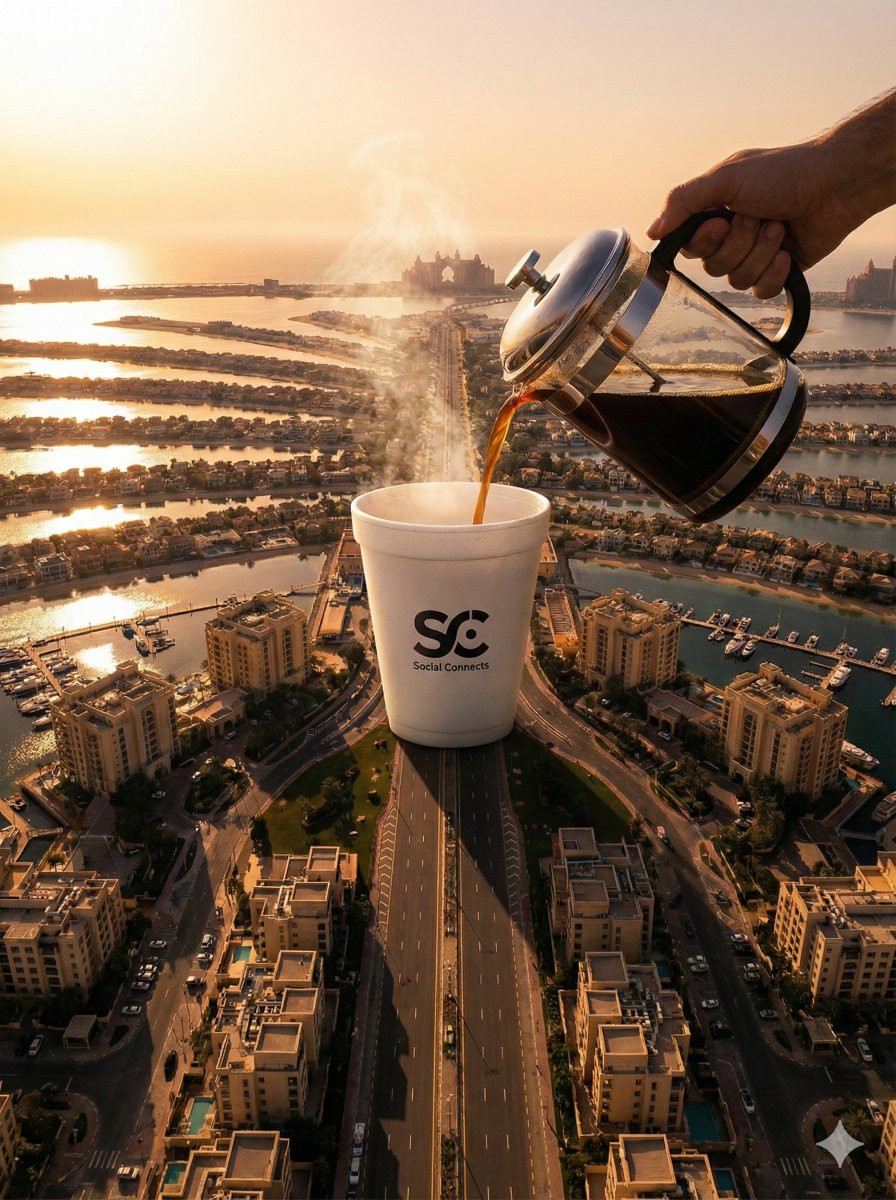
Dubai Palm Jumeirah Surreal Coffee Pour: Stunning AI Image to Video Animation
by 𝐌 (@Strength04_X)
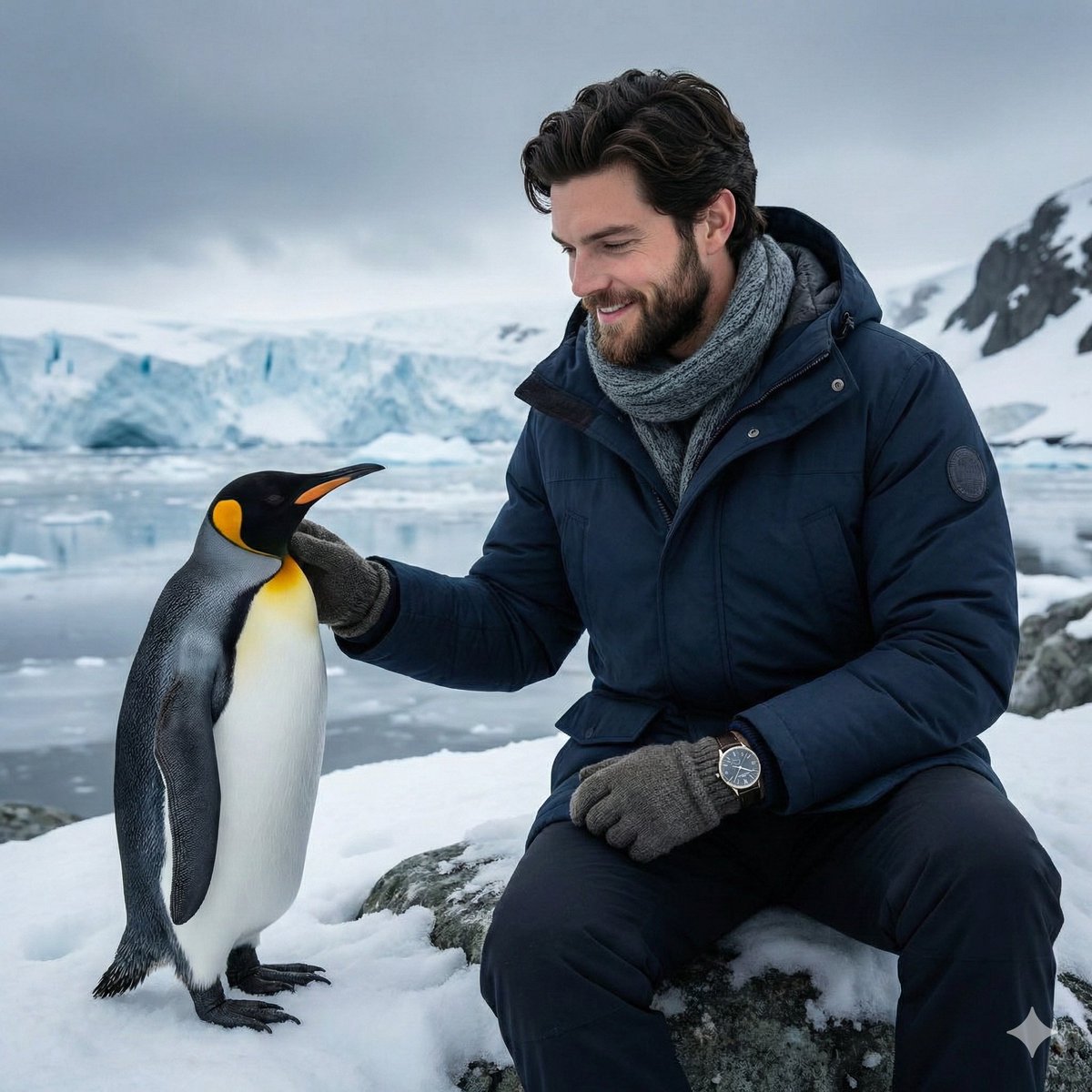
Realistic Antarctic Scene: Young Man and Penguin - An AI Image to Video Creation
by 𝐌 (@Strength04_X)
Who Uses Photo Animation
From influencers to enterprises, photo animation transforms static images into engaging video content
Social Media Influencers
Create scroll-stopping animated content that boosts engagement. Transform photos into eye-catching reels and stories.
E-commerce Sellers
Bring product photos to life with subtle motion. Increase conversion rates with animated product showcases.
Digital Marketers
Create compelling video ads from static images. A/B test animated vs static content without video production costs.
Family Memory Keepers
Animate cherished family photos and bring old memories to life. Perfect for anniversaries and celebrations.
Photographers & Artists
Add a new dimension to your portfolio. Transform award-winning shots into cinematic moments.
Educators & Presenters
Make presentations more engaging with animated visuals. Capture attention and improve information retention.
コアフォトアニメーション機能
静止画像にリアルな動きと表情を与えるプロ仕様のAI技術
画像から動画への変換
ポートレート、風景、商品写真を5〜30秒の滑らかな動画に変換。リアルな動き、パン&ズーム効果、シームレスなループを実現します。
顔の表情アニメーション
AI搭載の顔認識が、ポートレート写真に自然なまばたき、唇の動き、頭の回転、感情表現を自動的に追加します。
モーションスタイルテンプレート
トレンドのダンス、映画的なカメラワーク、クリエイティブなエフェクトなど、数千のプリセットモーションテンプレートからワンクリックで適用。
4K解像度 & 30 FPS
高度なビデオアップスケーラーとフレーム補間技術により、アニメーションクリップを見事な4K品質にアップスケールし、滑らかな30 FPS再生を実現。
スマートモーション予測
AIが写真の詳細を分析し、リアルな奥行き感、自然な光の変化、ダイナミックなカメラの動きをシミュレートしてプロ品質の結果を実現。
複数のエクスポート形式
アニメーション写真をMP4動画またはGIFとしてエクスポート。Instagram、TikTok、Twitter、メールキャンペーン、プレゼンテーションに最適。
Current Limitations
Photo animation AI is powerful but has boundaries. Here's what to expect.
Known Limitations
Complex Multi-Person Scenes
Animations with 3+ people may have inconsistent motion. Best results with 1-2 subjects.
Extreme Camera Angles
Top-down or extreme perspective shots may produce unnatural motion artifacts.
Audio Synchronization
Lip-sync and audio-driven animation not yet supported. Add music/voiceover in post-production.
Low Quality Source Images
Blurry, pixelated, or heavily compressed images produce lower quality animations.
Technical Specifications
Supported Formats
JPG, PNG, WebP
Max File Size
10-16 MB
Max Resolution
4096 × 4096 px
Video Duration
5-30 seconds
Output Formats
MP4, GIF
Output Quality
Up to 4K / 30 FPS
Processing Time
3-60 seconds
Commercial Use
Paid plans only
Is Photo Animation Right for You?
A quick guide to help you decide if AI photo animation fits your needs
Perfect For
- Social media content creation
- Product showcase videos
- Reviving old family photos
- Creating animated memes & GIFs
- Marketing & advertising content
- Educational presentations
- Portrait enhancement
- Quick video content needs
Consider Alternatives For
- Professional film production
- Complex narrative storytelling
- Real-time live streaming
- Precise frame-by-frame control
- Medical/legal documentation
- When real footage is required
- Videos longer than 30 seconds
- Audio-synced talking videos
PhotoAnimationの使い方
4つの簡単なステップで始めて、数秒で素晴らしいAI画像を作成
プロンプトを書く
希望する画像を自然言語でできるだけ詳細に説明します
設定を調整
画像サイズ、スタイル、画像数、その他のパラメータをニーズに合わせて選択します
画像を生成
生成をクリックして、わずか1〜3秒で高品質なAI生成画像を取得します
ダウンロード・共有
高解像度で画像を保存し、必要な場所で共有します
プロンプトを書く
希望する画像を自然言語でできるだけ詳細に説明します
設定を調整
画像サイズ、スタイル、画像数、その他のパラメータをニーズに合わせて選択します
画像を生成
生成をクリックして、わずか1〜3秒で高品質なAI生成画像を取得します
ダウンロード・共有
高解像度で画像を保存し、必要な場所で共有します
クレジットカード不要 • 従量課金制
Choose Your Plan
Compare features across our Free, Paid, and Enterprise tiers
| Feature | Free | Paid | Enterprise |
|---|---|---|---|
| Max Resolution | 720p | 4K | 4K+ |
| Video Duration | 5s | Up to 30s | Custom |
| Watermark | |||
| Commercial License | Personal | Full | Full |
| Batch Processing | |||
| API Access | Limited | Full | |
| Template Library | Basic | Full | Full + Custom |
| Priority Processing |
All plans include access to core photo animation features. Enterprise plans available upon request.
料金プラン
あなたに最適なプランをお選びください
無料
Photo Animationをお試しいただくのに最適
- 従量課金制クレジット
- すべてのAIモデル利用可能
- 最大10秒の動画
- コミュニティサポート
- 月額更新なし
- クレジットは30日で失効
- 優先キューなし
スターター
個人クリエイターに最適
- 月120クレジット(約12動画)
- 全AIモデル(Kling、Veo)
- 最大10秒の動画
- 透かしなし
- 優先生成キュー
- シングルユーザーのみ
プロ
プロのクリエイター・チーム向け
- 月400クレジット(約40動画)
- スターターのすべての機能
- APIアクセス付き
- 商用ライセンス
- 最速の生成速度
- 優先サポート
よくある質問
AIフォトアニメーションについて知っておくべきすべて